JmCloudFi is centralized cloud management for MikroTik routers, ESP8266/ESP32 (NodeMCU) coin vendos, and Orange Pi, Raspberry Pi or PC hotspot boards — sales, vouchers, portals and payouts in one place.
CloudFi MT Management — JmCloudFi board look (Dashboard, Profile, Rates, Server, Vendo). Save & Sync → MikroTik via free API tunnel.
Flash your sub vendo (ESP8266 / Arduino Nano) without Arduino IDE — all firmware and USB drivers built in.
Android: allow "Install unknown apps", connect board with USB OTG + data cable. Both apps have all firmware built in and auto-update new bins (SHA-256 verified). Windows: CH340/CP210x driver links inside. Details & SHA-256 · Legacy: Nano-only Flasher .exe · firmware manifest
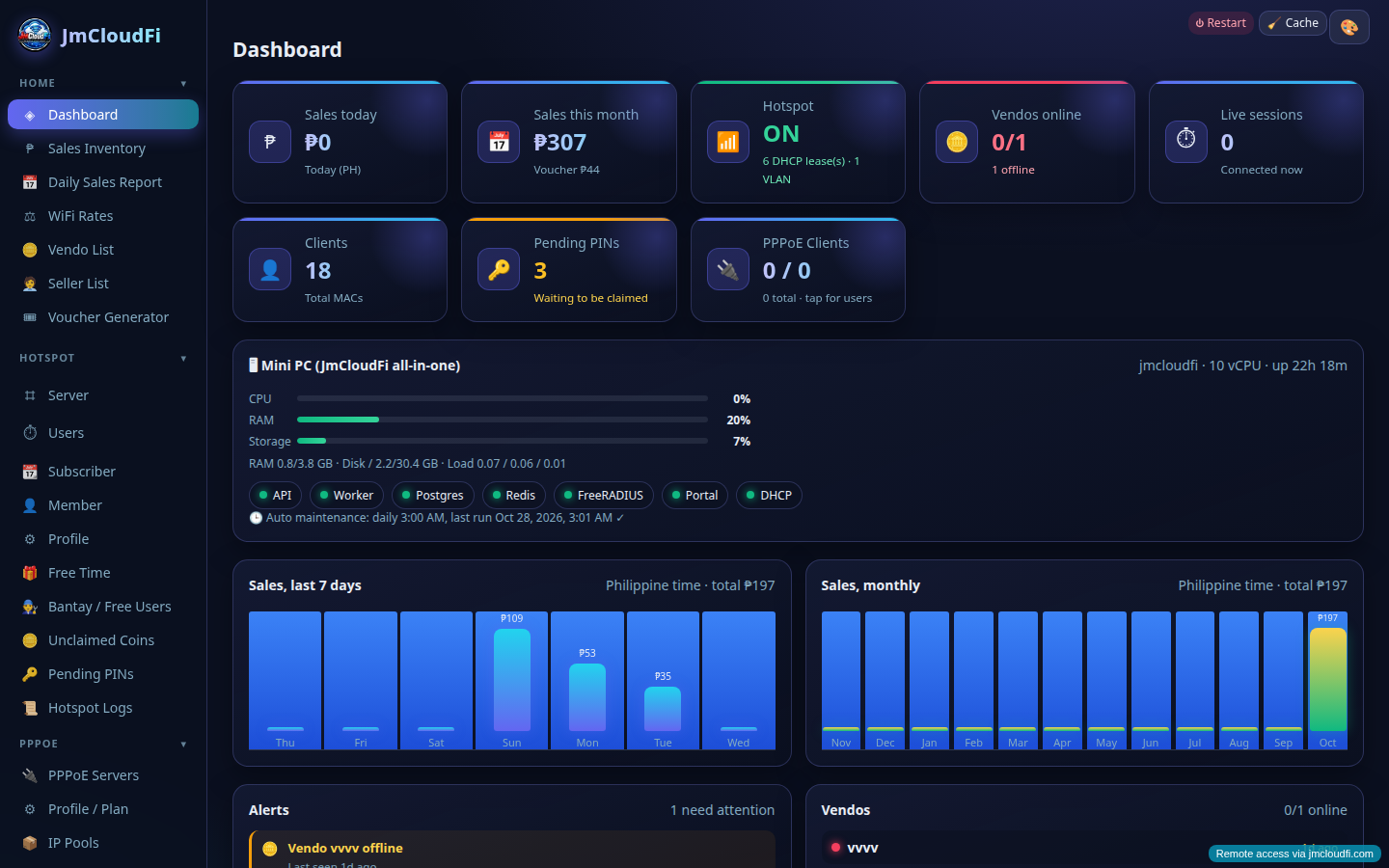
Actual remote board Dashboard (sales, hotspot, vendos, PPPoE, system). Open via remote access after you log in — example: /r/…/admin#Dashboard.

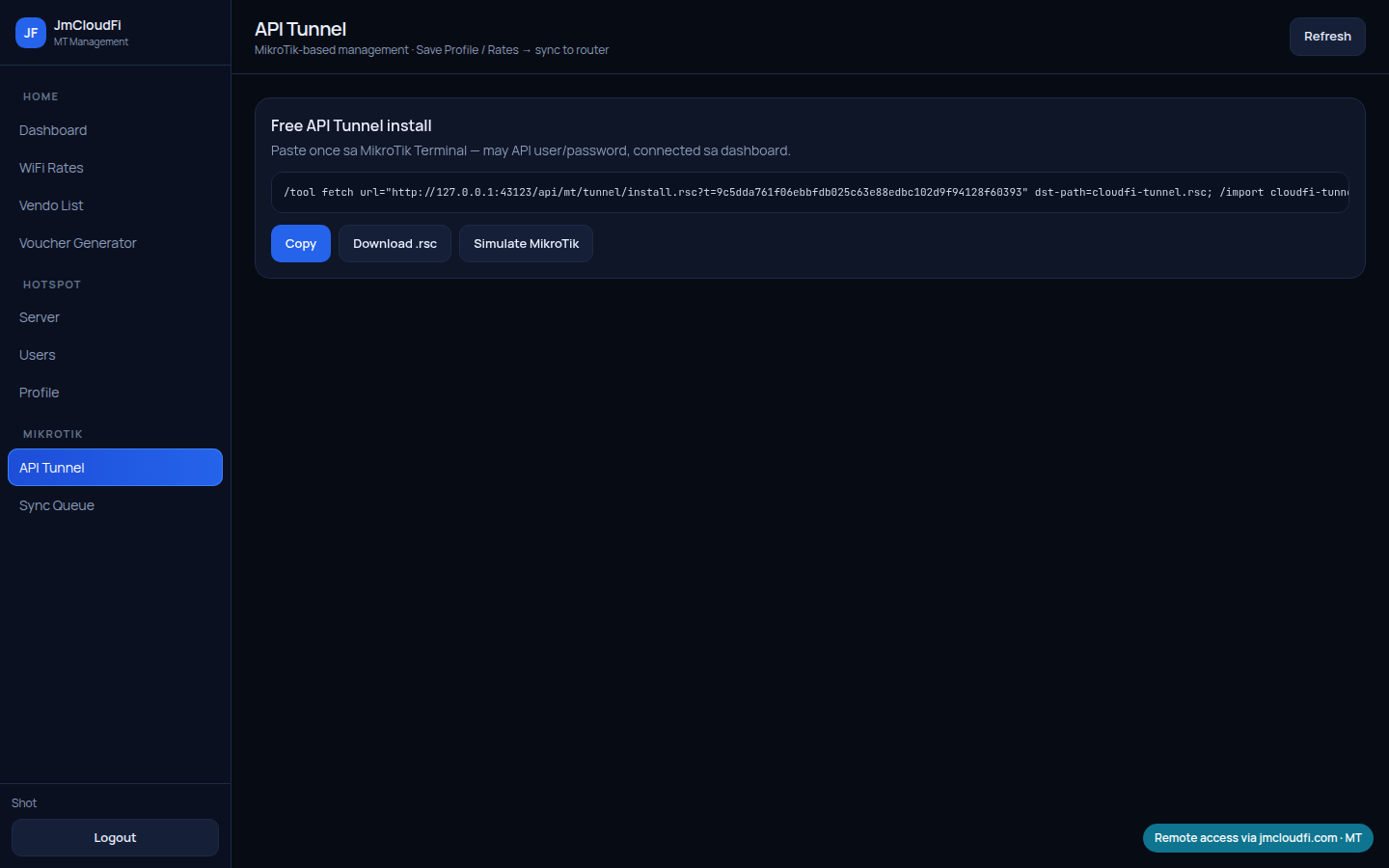
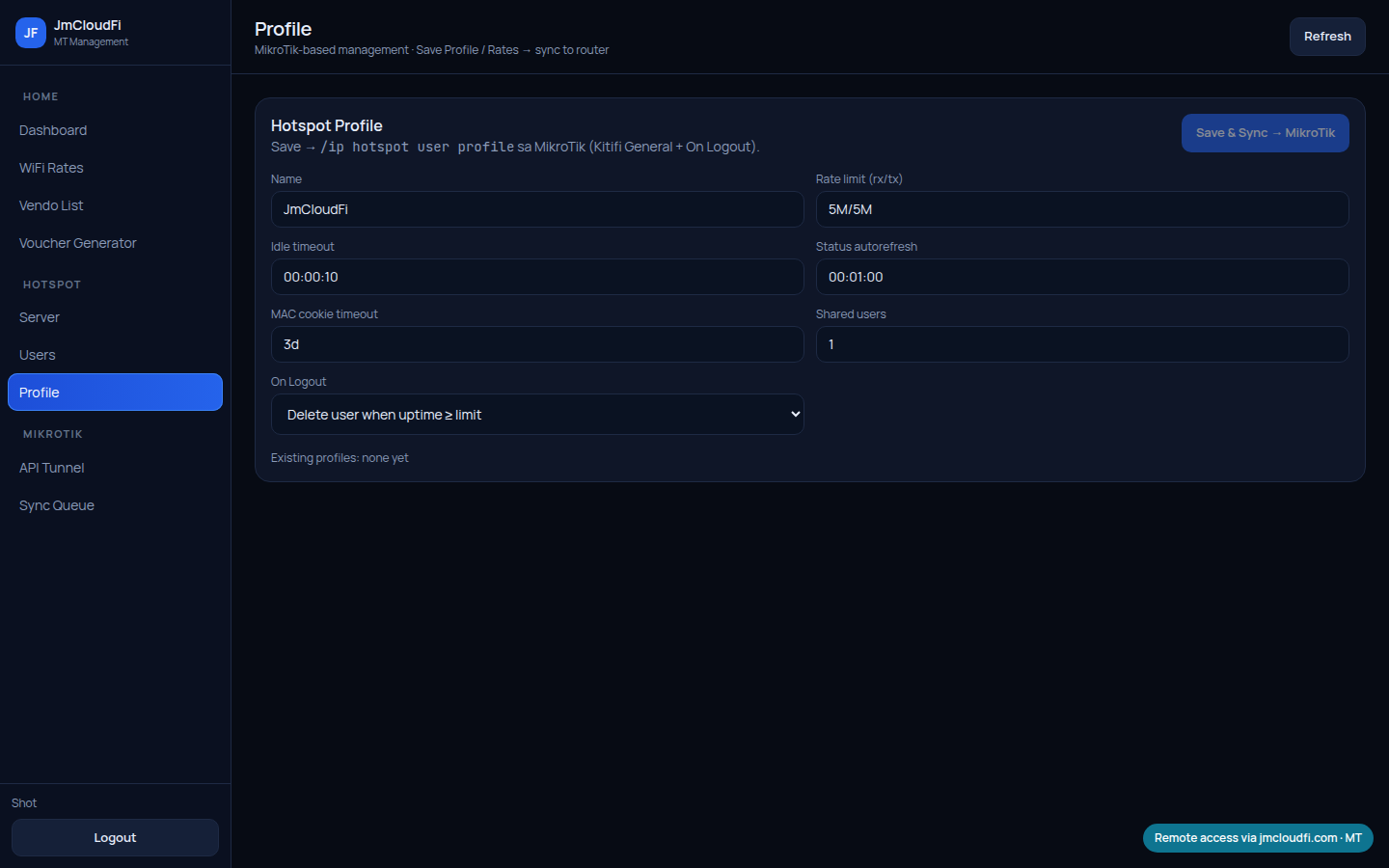
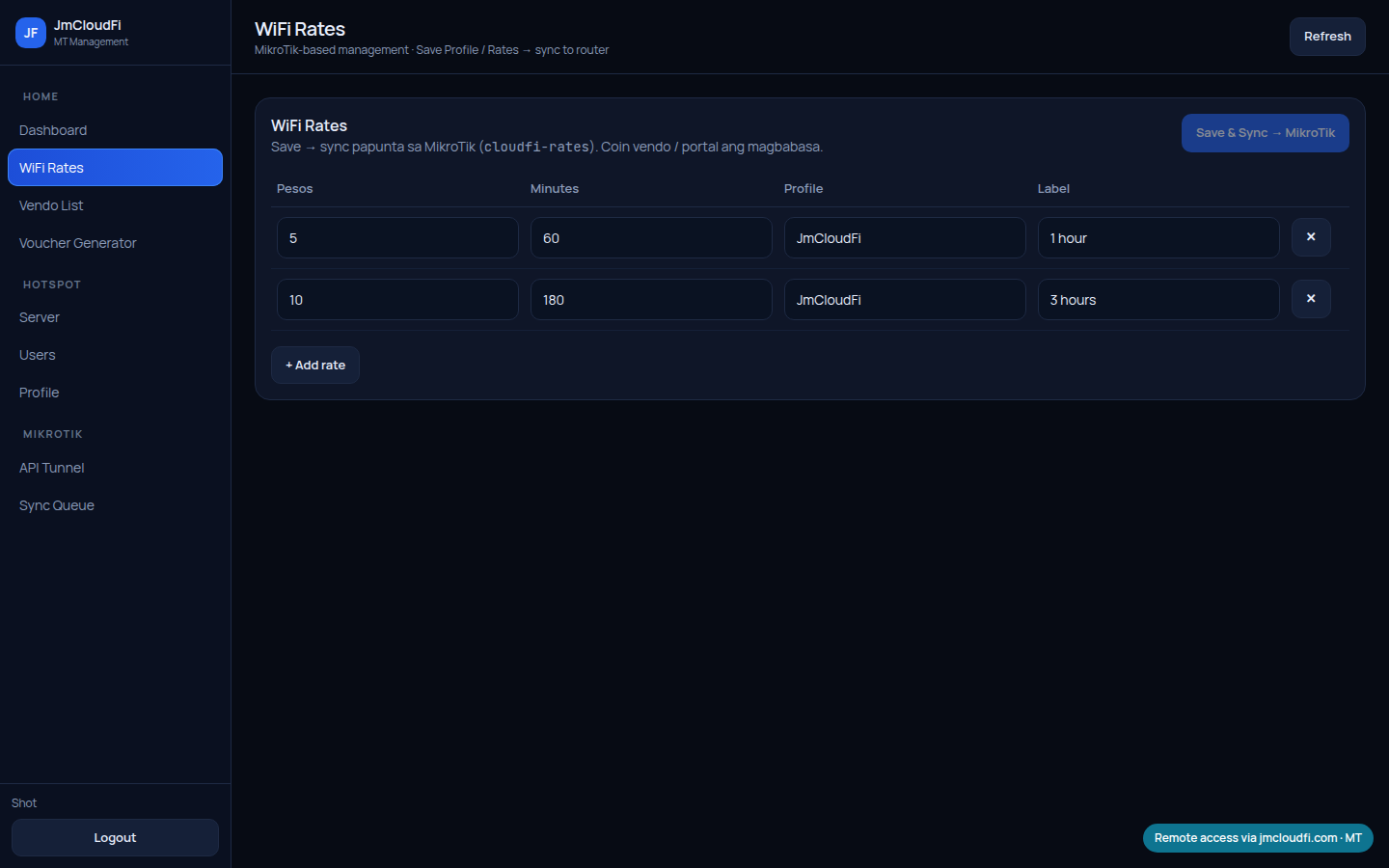
JmCloudFi MT Management — cloud lang tayo. Hotspot + coin nasa router/LAN.


bridge-jmcf (10.0.0.1/22) and registers the router. Activate license = Free License (₱0). Extra vendo credit ₱150.jmcloud-mt-XXXX (XXXX = last 4 of its MAC) → connect, open http://192.168.4.1, pick the router WiFi and Save. LAN (W5500): plug into the router, DHCP is automatic. It announces to the router gateway (10.0.0.1:3900) — no user/password needed.Bins: wireless v1.1.4 · LAN v1.1.4 · full guide
Everything you need to run a piso WiFi or hotspot business from anywhere.
All routers, boards, vendos, sessions and sales in one cloud dashboard, with live status per site.
Create hotspot networks and VLANs from the dashboard. New ESP vendos are detected automatically, ready to name and bind.
Design the login portal once — logo, colors, rates, Buy Voucher — and push it to every MikroTik and board.
Customers buy internet time with GCash / QR Ph right from the login page. The voucher is delivered instantly.
Buy yearly Main licenses and vendo credits online. Keys are delivered to your account automatically.
See sales per board and per plan, export CSV, and withdraw your balance to GCash with email confirmation.
Each board has a password-protected local dashboard. Sales sync to the cloud, so records survive a broken board.
One RADIUS server for all sites: time wallets, vouchers and PINs roam across your hotspots, with instant disconnect when time runs out.
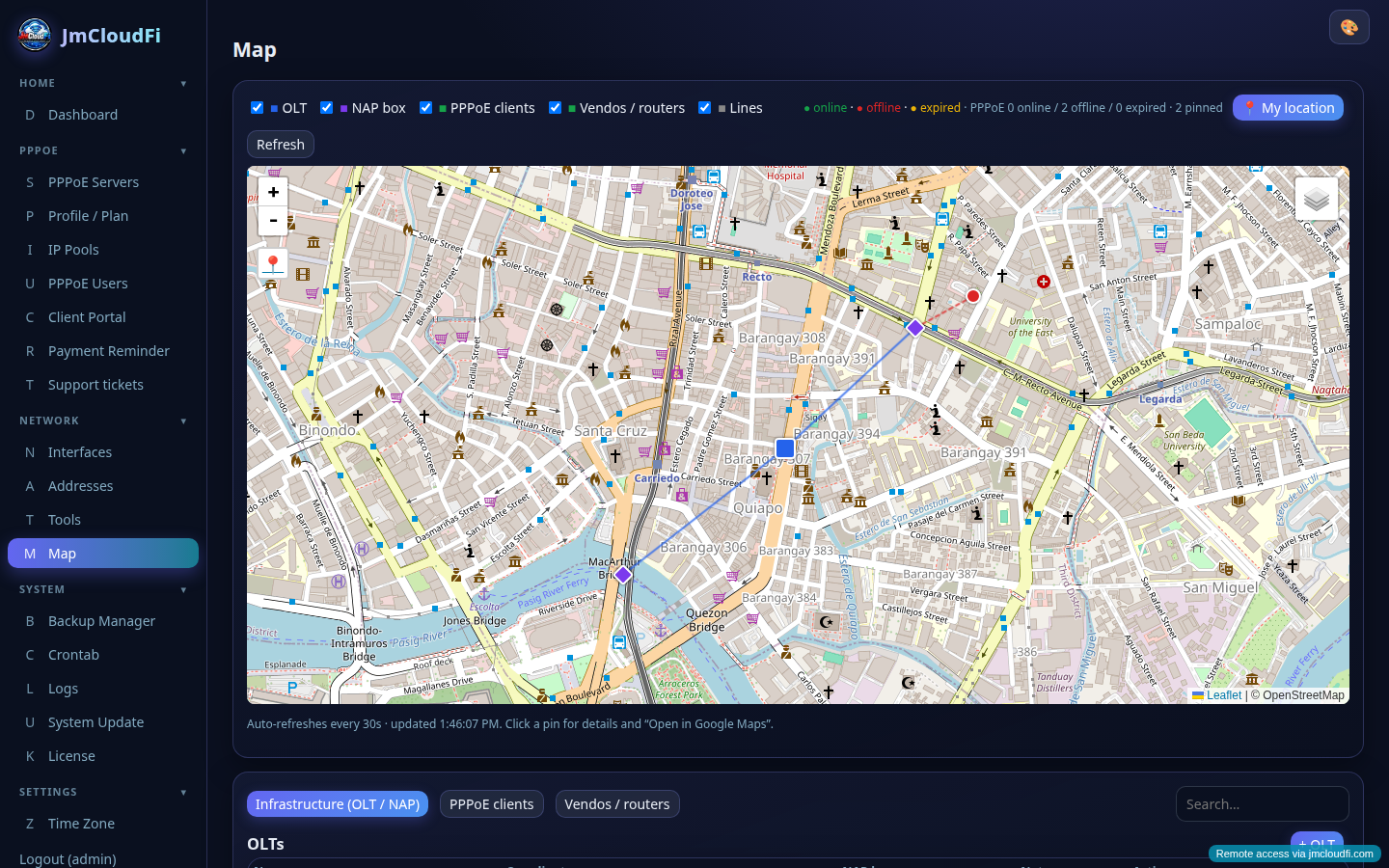
OLT, NAP, PPPoE and vendo pins from your Main board — Street or Satellite, same map as the live dashboard.
From sign-up to your first sale.
Sign up at /client and verify your email.
Buy a vendo license or credit pack in your account.
Run the MikroTik script or the board installer from the Downloads page. The site links to the cloud over WireGuard.
Customers pay with coins, vouchers or GCash. Watch earnings live and withdraw to GCash.
Mix and match — every site reports to the same dashboard.
RouterOS v7 routers with hotspot, connected to the cloud over WireGuard.
Coin-slot vendos that report coins and bind to a hotspot automatically.
Zero 3, Zero 2W, 3B, 5, PC/One (Armbian, arm64 or armhf).
Pi 3, 4 and 5 (Raspberry Pi OS Bookworm), Ethernet or Wi-Fi AP.
Debian or Ubuntu (amd64) with two network ports.
All Main / MikroTik licenses are Free License (old prices crossed out). Extra vendo credit stays ₱150.
1 Main device, 1 year (365 days), includes 1 vendo credit
Get started1 ESP vendo, 1 year. ₱200 each (1–9 pcs), ₱150 each for 10 or more
Get startedCommon questions.
A MikroTik router (RouterOS v7), or an Orange Pi / Raspberry Pi / PC running Debian, Ubuntu or Armbian with two network ports. ESP8266/ESP32 coin vendos connect to either.
Yes. Every sale is synced to your online dashboard. A reinstalled or replacement board pulls its history back automatically.
GCash voucher sales go to your wallet in the online dashboard. Request a withdrawal to your GCash number, confirm it with the code sent to your email, and the admin sends the payout with a GCash reference number.
The board keeps a local record of sales and shows them on its local dashboard. Records are sent to the cloud when the connection comes back.
Create an account, buy a license or credits, then follow the setup steps on the Downloads page for your MikroTik or board.
Yes. After poll v2, the router syncs hotspot users, PPPoE secrets, coin sales and vouchers to jmcloudfi.com every minute. If the router fails, restore last records from Client → MikroTik routers → Cloud backup.
Questions, orders or support.
Contact details will be posted here soon. Existing customers can reach us from their account at /client.
Create a free account and set up your first site today.
 JmCloudFi